
Dragon Copilot 5.0 Is Here. What Will Clinicians Actually Notice?
Version 5.0 introduces a redesigned workspace, AI-assisted template creation, smarter note handling, and access to third-party healthcare AI apps. Here is what matters in the day-to-day clinical workflow.
5.0 changes the workspace around the note, not just the note itself
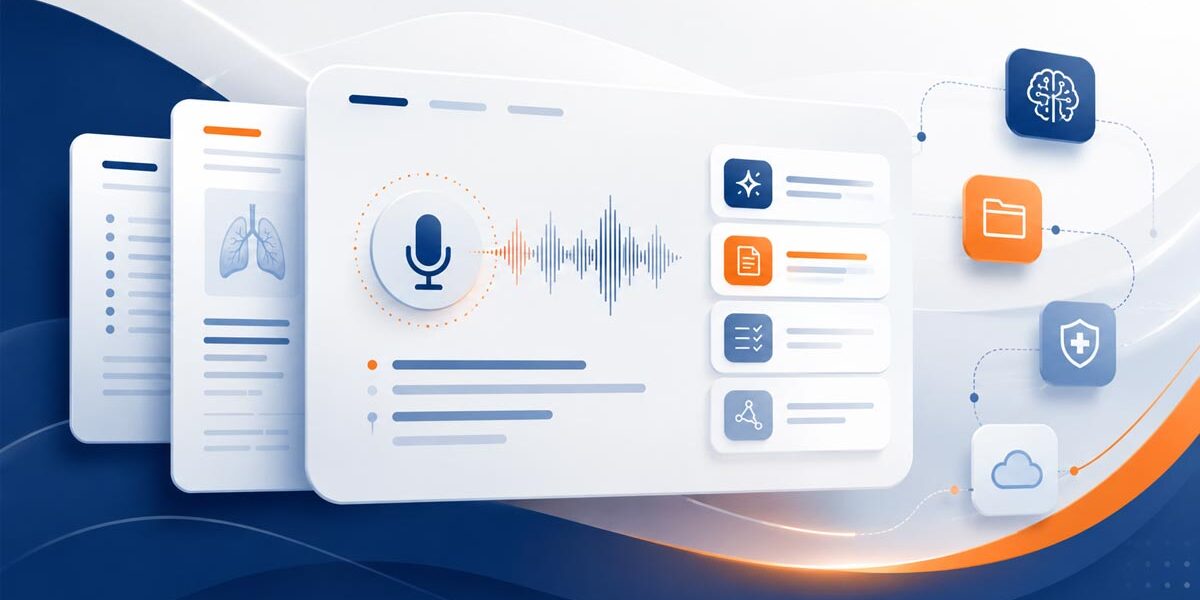
Microsoft calls Dragon Copilot 5.0 one of its most significant feature releases to date. The biggest change is a new, content-first interface that brings notes, documents, orders, Copilot Chat, notifications, and other outputs into a more centralized workspace.
The release also gives clinicians more control over templates and dictation workflows, while giving organizations a new path to deploy healthcare AI apps and agents through Microsoft Marketplace.
The changes most users should understand first
Version 5.0 adds many refinements, but these four areas have the largest potential to change how clinicians and healthcare teams work with Dragon Copilot.
A redesigned interface
The enhanced UI replaces traditional timeline and tab navigation with a more centralized, content-first workspace.
AI-built templates
Describe the note section or document you want, or provide an example, and Dragon Copilot can help build the reusable template.
Supporting documents
Templates can help create patient-specific documents alongside the clinical note, including workflows such as referral letters.
AI apps and agents
U.S. organizations can deploy supported third-party healthcare AI applications and agents that work through Dragon Copilot.
A cleaner workspace should mean fewer small interruptions
The enhanced interface is designed around the work clinicians need to complete rather than a collection of separate tabs. A new homepage can surface work across patient sessions, while notes, documents, orders, Copilot Chat, notifications, and feedback become easier to reach from one workspace.
Several smaller 5.0 changes reinforce the same goal: keep the clinician moving without unnecessary navigation or repetitive setup.
- One microphone experience for ambient and dictation workflows
- Persistent microphone mode when moving between sessions
- New patient sessions from compact desktop view
- Smarter note-section selection based on generated content
- Auto-style and editing prompts available inside Copilot Chat
- More consistent feedback tools across AI-generated output
Template creation gets dramatically easier
Templates are one of the most practical upgrades in 5.0. Instead of manually building every structure from scratch, clinicians can describe what they want in natural language or provide an example for Dragon Copilot to use as a starting point.
Once created, a template can run automatically or remain available on demand. That can help practices create more consistent notes and generate patient-specific supporting documents without rebuilding the same format each time.
Three 5.0 improvements that could save clicks and corrections
Not every useful feature needs to be a headline feature. These updates target common friction points in dictation, structured documents, and AI-assisted planning.
Suggested speech corrections
When clinicians use select-and-say to highlight dictated text, Dragon Copilot can now show speech-recognition alternatives so users can choose the intended wording more quickly.
Protected Word documents
Dragon Copilot desktop can dictate around locked sections in Microsoft Word and place speech-recognized text only in editable portions of structured documents.
Custom prompts in structured plans
Supported users can enter freeform AI instructions directly within a structured plan section to generate or modify plan content where they are already working.
Dragon Copilot is becoming a doorway to other healthcare AI tools
Dragon Copilot 5.0 introduces a storefront approach for supported AI apps and agents. Healthcare organizations can find, deploy, and manage these tools through Microsoft Marketplace and Dragon admin center, then bring relevant capabilities into the clinician's existing workflow.
Microsoft lists use cases that include coding and documentation, medical decision support, risk adjustment, prior authorization, behavioral health screening, and preventive care.
What healthcare teams should do with 5.0
A larger feature release is a good time to review the workflow, not just the software version.
Review who needs the enhanced UI
The new experience requires administrator enablement. Decide who should test it first and confirm that your web, desktop, mobile, Epic, and Haiku workflows meet the relevant requirements.
Identify repetitive documentation
Look for note sections, referral letters, and other supporting documents clinicians repeatedly build or edit. Those are strong candidates for the new template tools.
Train around the workflow change
A cleaner interface only helps when users know where their familiar tools moved and which new capabilities apply to their role. Keep training focused on the tasks clinicians perform every day.
Need help deciding what to enable, configure, or teach?
The Dragon People can review your Dragon Copilot environment, provider workflows, templates, microphone setup, EHR considerations, and training needs before you expand the new 5.0 experience.
Dragon Copilot 5.0
Is Dragon Copilot 5.0 available now?
Yes. Microsoft has announced Dragon/DAX Copilot 5.0 as available. Desktop customers should install the latest Dragon Copilot desktop version, and individual features can still depend on configuration, region, app, and EHR environment.
Will clinicians automatically see the new Dragon Copilot interface?
No. Microsoft says an administrator must enable the enhanced user interface. Additional requirements apply in some mobile and Epic environments, so organizations should review their configuration before rollout.
Can Dragon Copilot 5.0 build a template from an example?
Yes. Clinicians can describe the document or note section they want or provide a sample. Dragon Copilot can then help generate the template structure for reuse on demand or automatic use.
Can Dragon Copilot 5.0 create documents besides the clinical note?
Yes. Microsoft says templates can generate patient-specific supporting documents during clinical encounters. Referral letters are one example highlighted in the 5.0 announcement.
Are Dragon Copilot AI apps and agents available everywhere?
No. Microsoft currently lists the Dragon Copilot AI apps and agents capability for the U.S. region. Organizations must deploy supported apps through Microsoft Marketplace and Dragon admin center.
Does 5.0 improve traditional dictation workflows too?
Yes. Version 5.0 includes improvements such as persistent microphone mode, suggested speech corrections, enhanced vocabulary customization, and protected-section support for Microsoft Word on Dragon Copilot desktop.
Dragon Copilot availability and configuration requirements can change. Review Microsoft's current Dragon Copilot 5.0 release documentation or contact The Dragon People before making deployment changes.
Get Started Today
Experience the Future of Healthcare

Brittany Whitney
Healthcare Clinical Applications Sales Executive
✉️ brittany.whitney@thedragonpeople.com
☎️ 239-899-5300